Work the conversation inbox
Review, assign, mark, and reply to customer conversations. Replies and assignment/read state are recorded on the correct tenant conversation with safe…
- Status
- Draft, not yet re-verified
- Who can do this
- Organization owners, Managers, Staff
- Required access
email.direct.send- Where in PositiveForm
/inbox
"Copy for AI" puts the full Markdown of this page on your clipboard. Paste it into ChatGPT, Claude, or any assistant and ask it to walk you through the steps.
Who this is for
Staff working inbound email conversations for the active studio.
Opening the inbox needs permission to view contact information; without it the
page says Contact access required. Replying additionally needs
email.direct.send, and a role without it sees the thread but is told it cannot
send direct email.
Before you begin
- Connect the studio's email first when nothing has arrived yet (Connect and verify Resend).
Steps
- Open Inbox (
/inbox) from the left navigation. - Set Unread notification frequency beside Unread notices to Immediate, Hourly, Daily, or Off. The choice saves immediately.
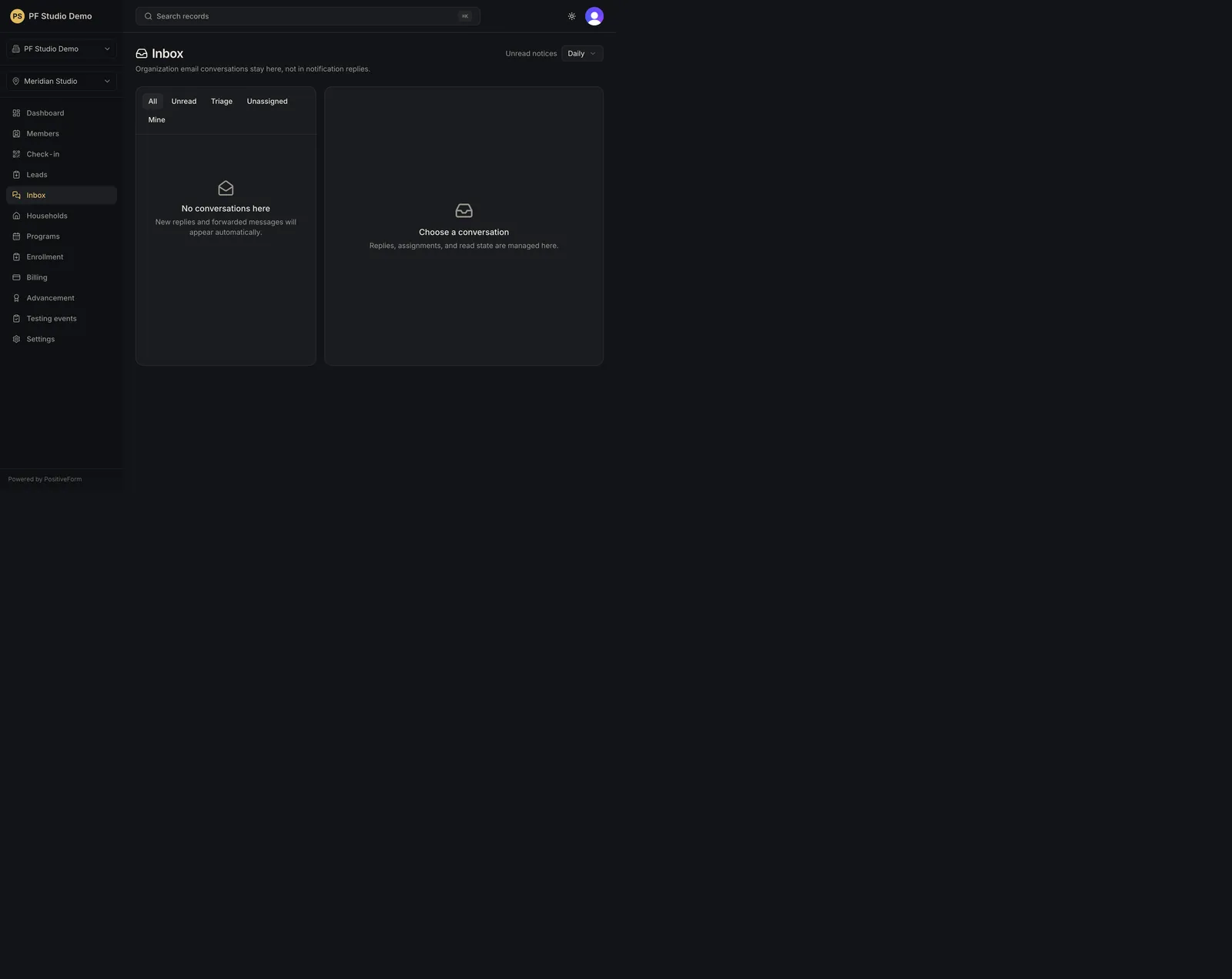
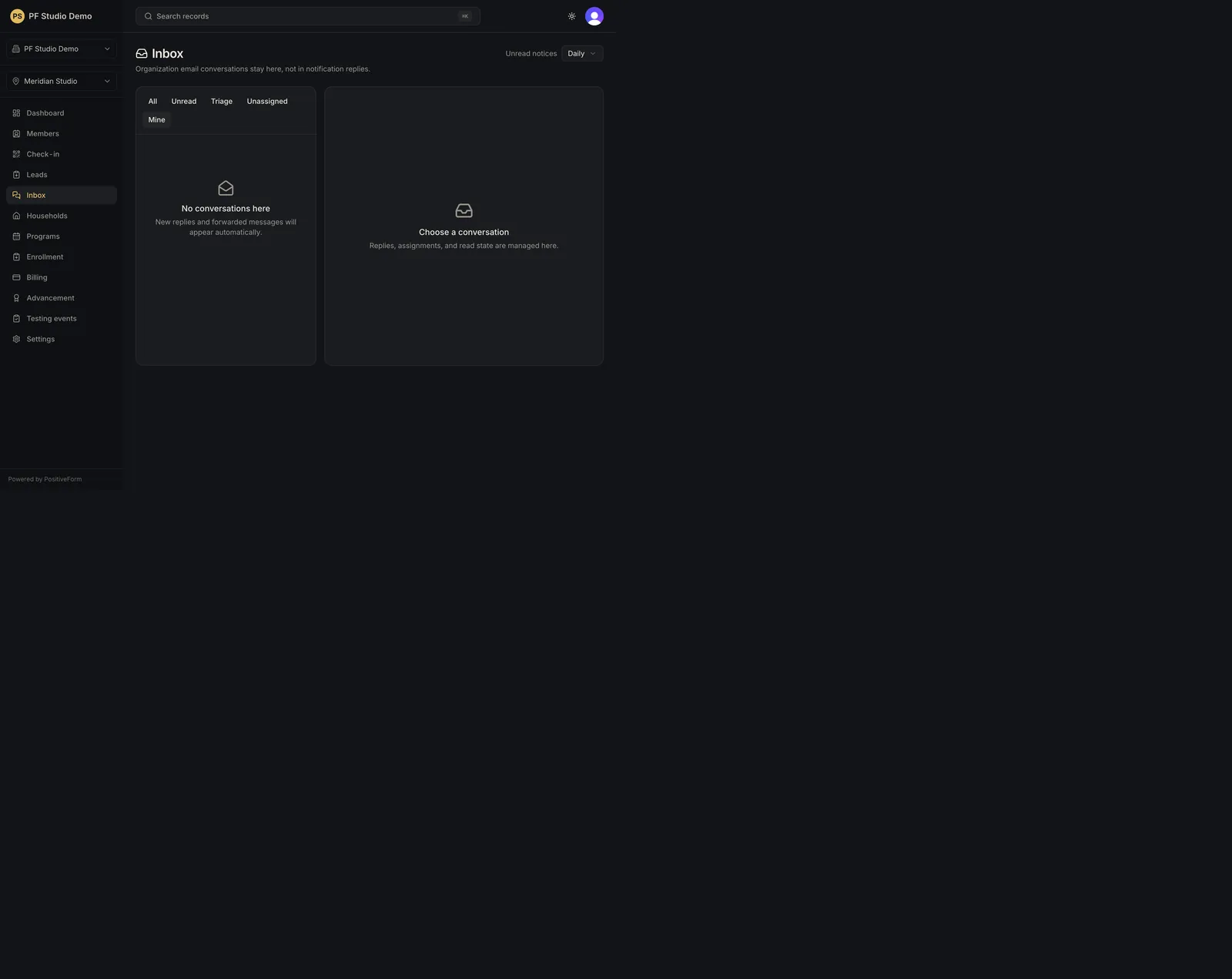
- Filter Conversations with All, Unread, Triage, Unassigned, or Mine. A row shows the sender, the latest message preview, an unread count, and Unassigned when nobody owns it. A sender the studio cannot place is badged Unknown sender or Ambiguous sender.
- Open a conversation. Its address becomes
/inbox/:conversationId, so the thread can be linked to directly. - Use Mark read or Mark unread in the thread header.
- Assign the thread with the Assigned staff picker, or use Clear to unassign it.
- Use Open lead or Open adult in the header when the sender is matched, to work the same person in their own record.
- Read the messages. Inbound messages carry the sender's name, outbound ones read Studio with their delivery status. Attachments download by name; one that was rejected shows its reason instead of a download. Only the latest 100 messages render.
- Write into Reply by email and click Send reply. The reply goes out through the studio's connected Resend account.
Expected outcome
The reply is queued through the studio's own Resend account, and assignment and read state land on the correct tenant conversation.
Screenshots
Recovery
If the list is empty, choose All: the other filters hide open work. If it is still empty, confirm the email connection and that traffic has actually arrived. If a reply, an assignment, or a read-state change fails, the toast names the reason and the thread is unchanged; the reply text stays in the box. An attachment that will not download shows its status or rejection reason in place of the download.
Related guides
- Connect and verify Resend — email connection.
- Work the lead pipeline — lead context.