Discard or safely roll back an import
Discard staged data or preview and execute a safe rollback of untouched import-owned records. Discard purges staged personal data; rollback removes only safe…
- Status
- Draft, not yet re-verified
- Who can do this
- Organization owners, Managers
- Required access
imports.manage- Where in PositiveForm
/settings/imports/:jobId/completion
"Copy for AI" puts the full Markdown of this page on your clipboard. Paste it into ChatGPT, Claude, or any assistant and ask it to walk you through the steps.
Who this is for
Migration staff abandoning a staged job or rolling back import-owned records.
Before you begin
- An import job exists (Start a studio import).
- Understand whether the job was committed.
Steps
Discard a job that has not been committed
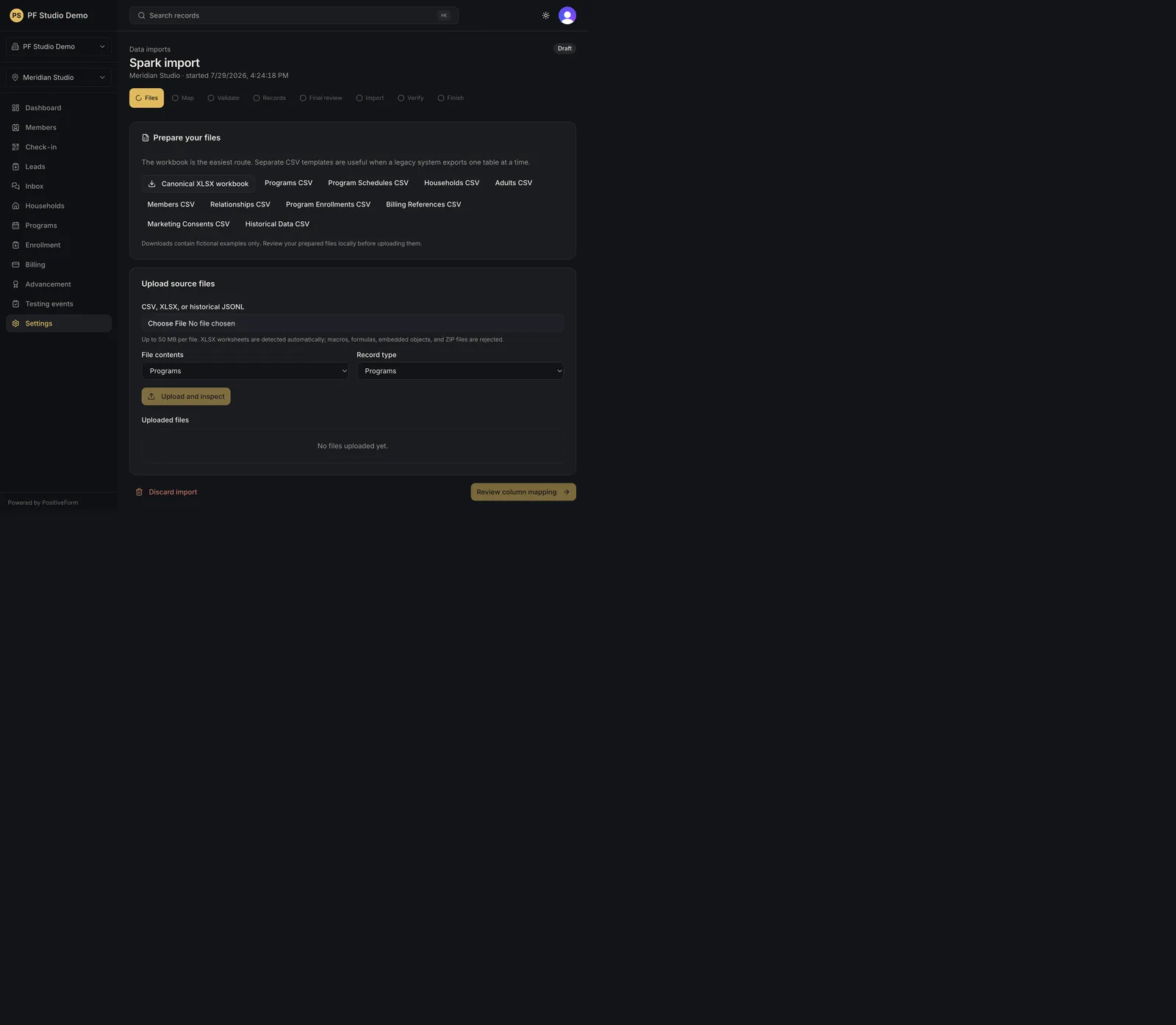
- Open the import job from Data imports with Open on its row.
- Click Discard import. It is on the Files step and on Final review, and disappears once the job is committed.
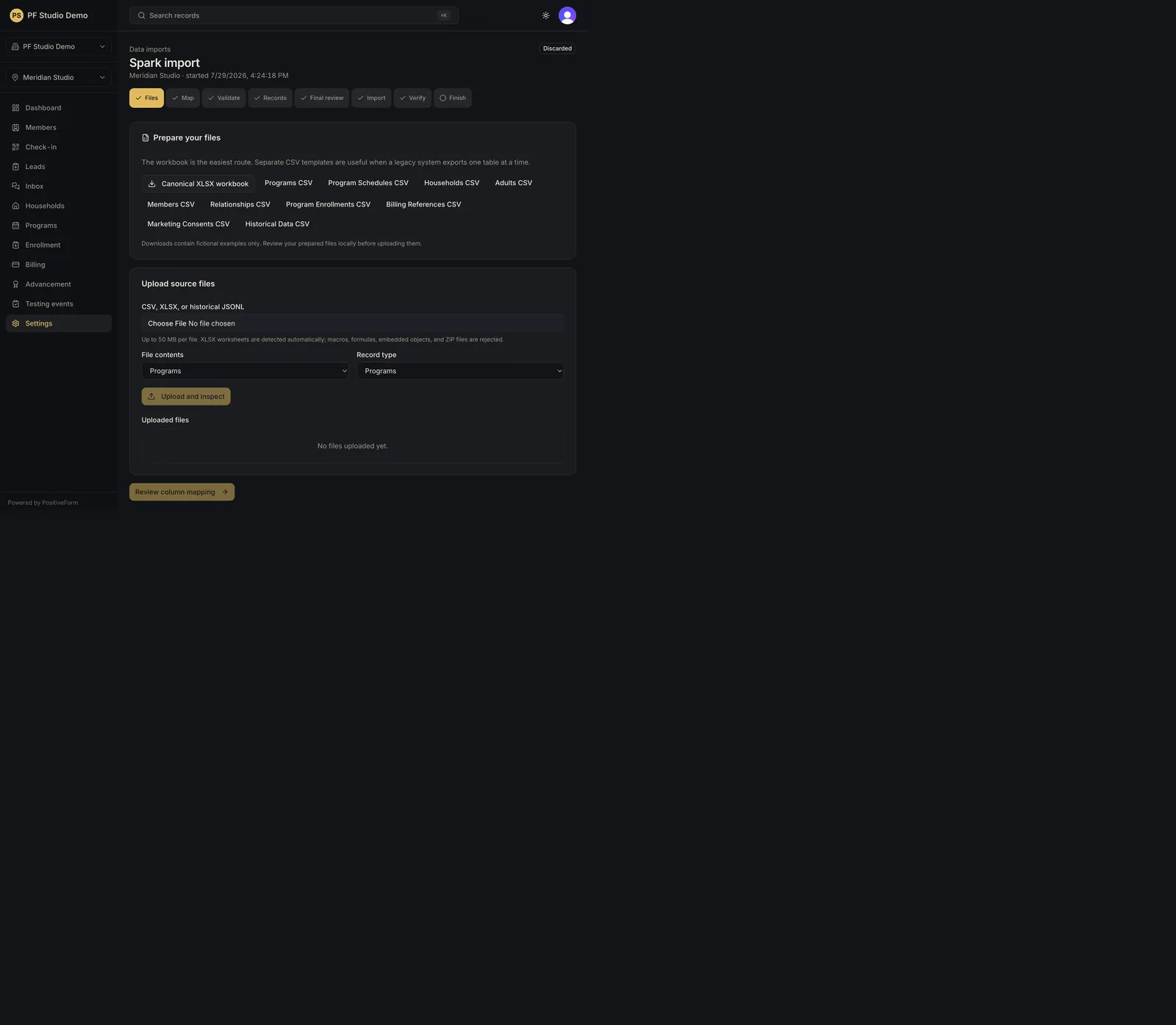
- The confirmation reads Discard this import? and states that uploaded files and staged personal data are purged permanently while operational studio records are untouched. Confirm with Discard files and staged data.
- The job moves to Finish, reading Import discarded.
Roll back a committed import
- For a committed job, open the Verify or Finish step and find Rollback safety audit.
- Click Check rollback safety. The first check is always a dry run. Existing matched records are never deleted, and later edits, merges, billing, communications, or dependent operations block removal and are listed for manual resolution.
- Read the dry-run status and its counts, and read every blocker.
- Only when the dry run reports Safe, click Roll back import-owned records and confirm with Confirm safe rollback. The audit is rerun inside the confirmed operation and stops if anything changed.
- The job moves to Finish, reading Import rolled back.
Expected outcome
Discard purges staged personal data; rollback removes only safe import-owned records and preserves matched or later-used records.
Screenshots
Recovery
If Discard import is not on the page, the job is already committed. Use Rollback safety audit instead and read the blockers carefully.
If the dry run does not report Safe, the rollback button is not offered. Resolve each blocker it names, then check again.
If rollback does not complete, PositiveForm says so and the records are left as they were.
If every control is disabled, the console is read only; discard and rollback stay unavailable until the subscription is active.
Related guides
- Upload, map, validate, and review import data — upload and validate.
- Commit and reconcile an import — commit path.